Adobe IQHome
    Home
    Browser ExtensionRequest a Tool

    Language

    Log inSign up

    Language

    What Is This Tool?

    Logo Maker — Make a simple logo with your initials, shape and colours. Type a name, choose a shape and colours, and download a sharp SVG or PNG logo.

    Privacy and Security

    With Logo Maker, your image is handled locally on your own device. Nothing is sent to or stored on Adobe IQ servers.

    Related Tools

    Color Palette MakerDesign StudioCaption Maker

    How to use this tool

    • Type your brand name.
    • Choose shape, colours and font.
    • Download SVG or PNG.

    Privacy & identity

    • Temp Mail
    • Password Generator
    • IP7.com
    • Speed Test
    • BIN Checker
    • CC Generator
    • Name & Address Generator

    PDF documents

    • PDF Compressor
    • PDF Merger
    • PDF to Word Converter
    • Image to PDF Converter
    AdobeIQ

    Free tools that run right in your browser. No sign-up, nothing to install, no upload to a server.

    Contact / Request a ToolBrowser ExtensionAll Tools

    Text & developers

    • Base64 Encoder/Decoder
    • Hash Generator
    • URL Slug Generator
    • JSON Formatter & Validator
    • CSV to JSON Converter
    • URL Encoder & Decoder
    • Word Counter
    • Meta Tag Generator
    • QR Code Generator
    • QR Code Scanner

    Money & growth

    • Currency Converter
    • Etsy Seller Profit Calculator
    • Amazon FBA Break-Even Calculator
    • eBay Seller Fee Calculator
    • Shopify Profit Margin Calculator
    • Dropshipping Profit Calculator
    • Print-on-Demand Profit Calculator
    • Affiliate Commission Calculator
    • YouTube Revenue Estimator
    • Freelance Project Rate Calculator

    © 2026 Adobe IQ. All rights reserved.

    Privacy Policy/Terms & Conditions/Contact

    All Design
    Free logo maker

    A clean logo for your idea.

    Type a name, choose a shape and colours, and download a sharp SVG or PNG logo.

    Free · No sign-up · Stays on your device
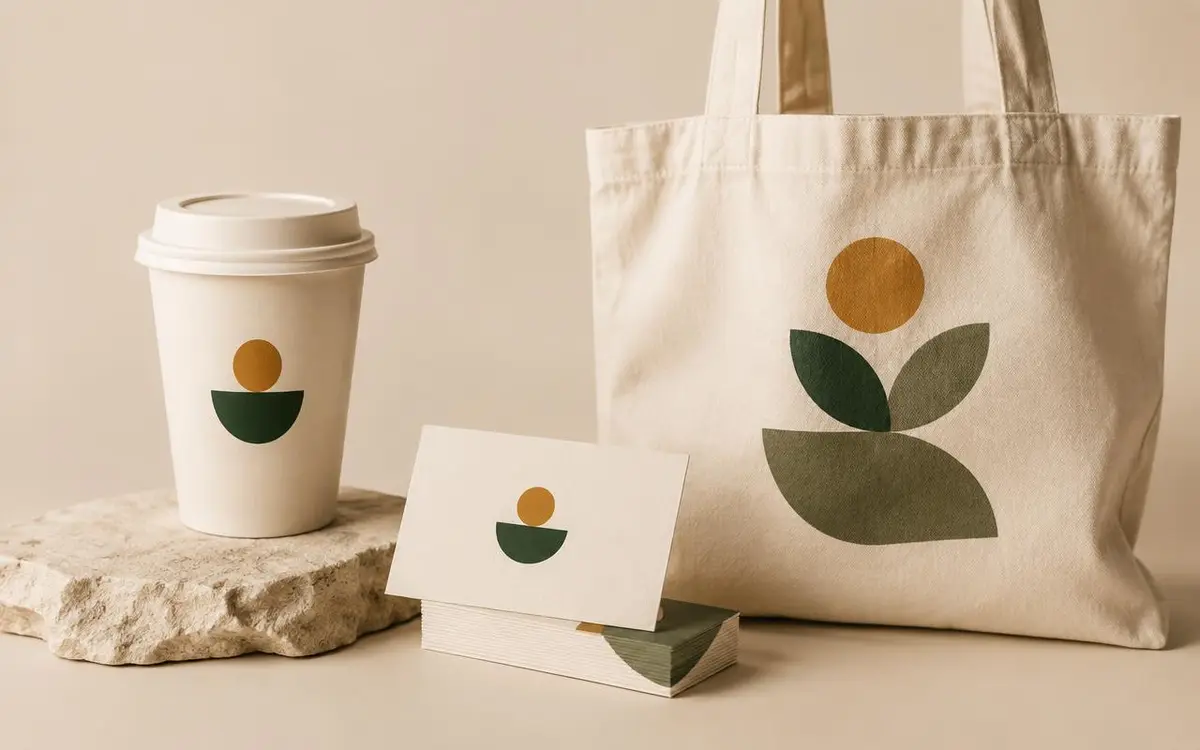
    Logo Maker exampleSVG & PNGYour own colours
    Logo Maker
    Logo preview

    Everything you need, nothing you don’t

    Initial mark

    Your first letters inside a shape.

    Shapes

    Circle, rounded square, hexagon or diamond.

    Colours & fonts

    Match your brand style.

    Sharp files

    Vector SVG plus transparent PNG.

    How to use Logo Maker

    1. 1

      Type your brand name.

    2. 2

      Choose shape, colours and font.

    3. 3

      Download SVG or PNG.

    01

    Start your brand today

    Get a tidy logo for a shop, channel or side project before hiring a designer.

    02

    Use it everywhere

    Profile pictures, invoices, stickers and websites.

    Rules for Logo Maker

    • Logos are built from simple shapes and text.
    • Check that your name is not someone else’s trademark.
    • SVG keeps sharp edges at any size.
    • Nothing is uploaded or stored.

    More creative tools

    Color Palette MakerPull colour palettes from photos or generate new ones.Design StudioDesign posts, posters and banners with text and photos.Caption MakerAdd captions and text on top of your photos.